Accounting & Invoicing Planner
Research-backed planner that scopes bookkeeping and invoicing builds from 37 real accounting products — no scope bloat, no fabricated features.
The problem this kills
Most vibe-coders trying to build a bookkeeping or invoicing app hit the same wall: they hand a vague prompt to their coding agent and get back a sprawling mess that silently bolts on a full general ledger, balance sheet, bank reconciliation workbench, and payroll module — none of which the buyer asked for, and none of which actually works. The agent fabricates scope because it has no grounded model of what real accounting and invoicing tools actually ship. The result is an app that looks like a finance suite, fails on first use, and takes weeks to unscramble.
The opposite problem is equally common: the agent delivers a toy that calls three hardcoded numbers a "P&L report," treats reconciliation as a boolean checkbox, and wires up invoice PDFs that reset their numbering on every server restart. Neither outcome is a sellable or usable product.
Why your agent cannot fake this
This planner is grounded in a frequency audit of 37 counted sources — 15 live SaaS products (QuickBooks, Xero, Zoho Books, FreshBooks, Wave, Sage 50, Odoo, Manager.io, Invoice Ninja, and others), 12 marketplace and template products, and 10 OSS codebases. Every feature in the planner carries an anchor like "INV-A06 income and expense ledger: 31/37 sources" or "INV-A12 bank reconciliation: 24/37 sources," tied to a source-proof matrix listing the exact products that count.
Your own coding agent cannot reproduce the claim "income/expense ledger appears in 31 of 37 reviewed products" without redoing the full scrape. It also cannot know that bank reconciliation is a dedicated match workbench — not a checkbox — without reading the Xero, QuickBooks, Zoho, and FreeAgent evidence that makes that distinction explicit. The numbers, the source IDs, the decision rules, and the failure modes are all in this package and not in the model's training weights.
Seven of the reviewed products were also browser-probed and screenshotted during the research scrape — InvoiceX, Smart Billing, Kanakku, ViserBill, Mint Invoice, Express Invoice, and m'Manager — for direct UI and workflow evidence on top of the 37-source count. (Those are competitor products studied to build the planner — separate from the live demos of apps built from this planner, shown further down the page.)
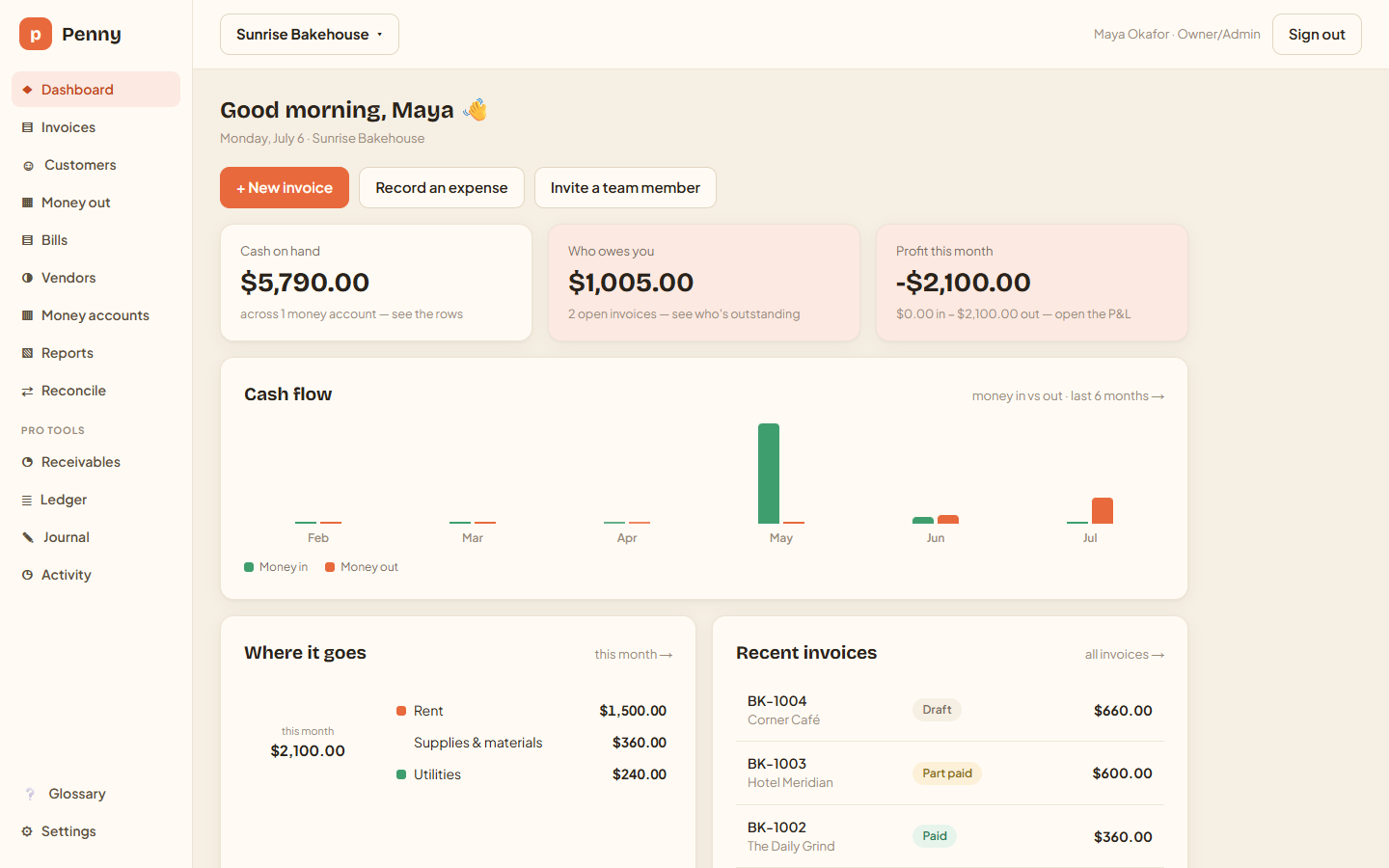 Penny — the top-ranked of the seven builds: true double-entry, reconciliation, and P&L. Log into it live from the demos below.
What you actually get
A five-file buyer package your coding agent reads and acts on immediately:
- START-HERE.md — the entry point. One instruction: "Read START-HERE.md and follow it." The agent runs a structured discovery questionnaire, not a code sprint.
- skill.md — the planner core: 11 operating rules, 6 discovery blocks, 4 scope presets (Basic Bookkeeping, Basic Bookkeeping + Invoicing, Moderate Accounting Operations, Advanced Platform), a forbidden-family scan protocol, and a 21-section generated-spec output contract.
- evidence-summary.md — compact anchors (INV-A01 through INV-A30, pain points, workflows, failure modes, technical rules, UI patterns) kept in the agent's runtime context during planning.
- example-output.md — a worked build spec proof showing the kind of output the planner produces.
- BUYER-README.md — usage guide, scope warnings, and support expectations.
The generated build spec your agent produces includes locked decisions, explicit non-goals, evidence-grounded scope table, data model, screen map, workflows, technical requirements, security/compliance posture, reports, step-by-step build sequence (7-9 steps for Basic), acceptance tests, and a handover readiness gate with a required forbidden-family scan result.
Proven in a live build-off
This planner has been dogfooded end-to-end: seven working accounting and invoicing apps were built from it by three coding models — Claude Opus 4.8 across four build lanes, GPT-5.5 across two, and Gemini 3.5 Flash. All seven run as live demos you can log into from this page, and the full audited ranking is published as a PlanSmith benchmark. The planner is the product; the apps are the proof.
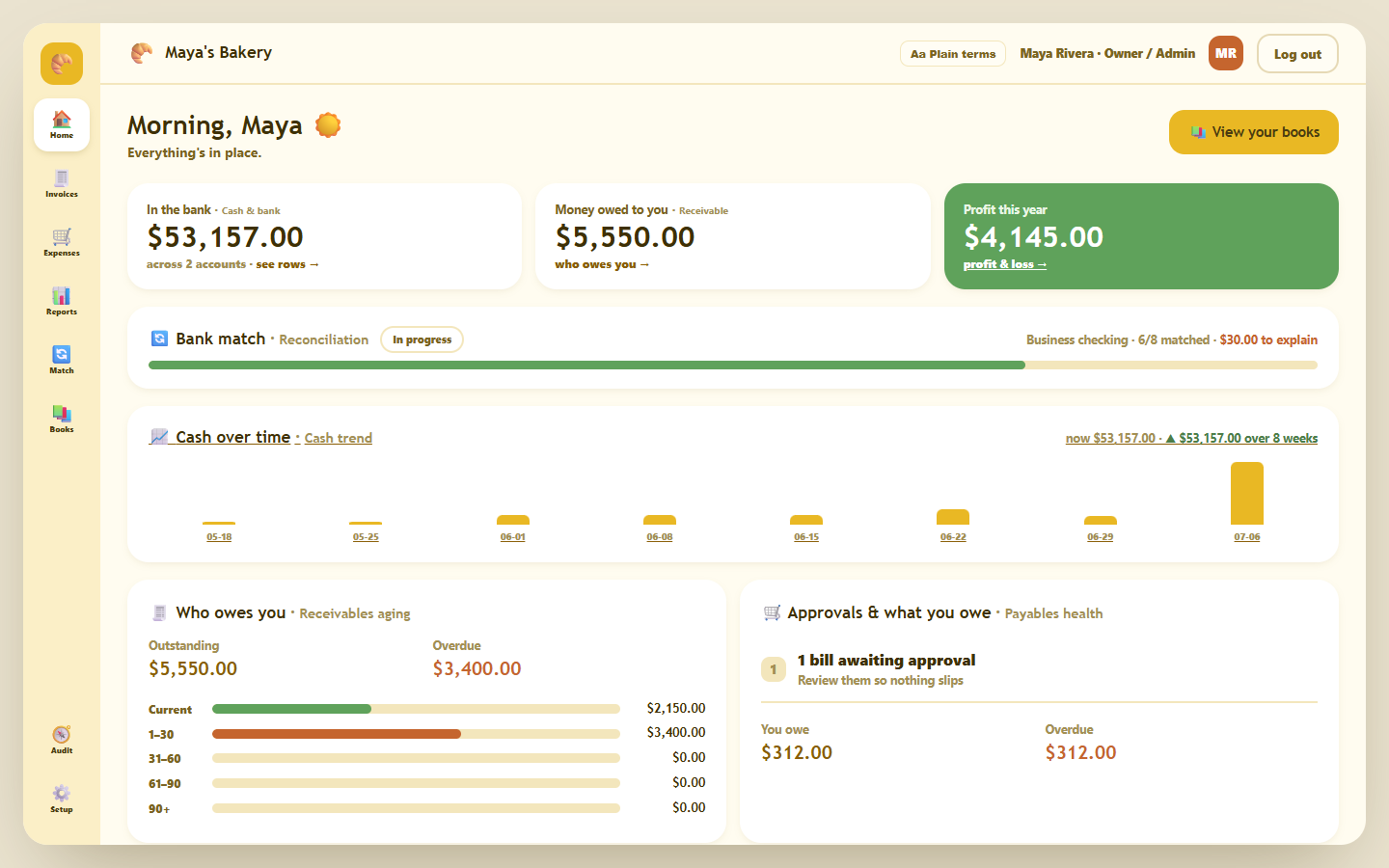
Coverage
The planner runs six discovery blocks:
- Business shape and Basic lane — bookkeeping-only vs bookkeeping + invoicing; business size; build target type.
- Roles and must-love workflow — owner/admin, bookkeeper, accountant/advisor, staff submitter, client portal user, finance approver.
- Core finance loop — income/expense entry, cash/bank accounts, vendors/payees, receipt attachments, invoice builder, manual payment recording, receivables dashboard, reports.
- Branches and guardrails — quotes, recurring transactions, vendor bills/AP, bank statement import, bank reconciliation, full double-entry/GL, balance sheet/trial balance, tax/VAT/GST, online payment gateway, customer portal, multi-currency, projects/time, inventory/POS sync, payroll, multi-business/SaaS, OCR. Any branch selected in Basic triggers a scope-trim check.
- Policies and local blockers — country/currency, accounting depth, payment method, tax handling, existing data to import, local reporting or numbering rules.
- Stack, hosting, UI priority, visual direction, and Build Execution Mode (Guided Step / Batch / Autopilot).
The frequency-ranked ledger.
Real apps this planner built.
Each one is live — sign in and try it. Compare all 7, with their scores →
LivePenny
The deepest build: true double-entry with multi-entity switching, invoices, expenses, AP bills, bank reconciliation, and P&L / balance-sheet reports. The richest and most buyer-usable of the set — a full finance back office from the planner.
Open live demo →LiveLedgerly
A bookkeeper-first back office: a vendor-bill approval queue, a bank-reconciliation workspace, AR/AP aging, and role-based access enforced on every action. The cleanest handover profile of the group.
Open live demo →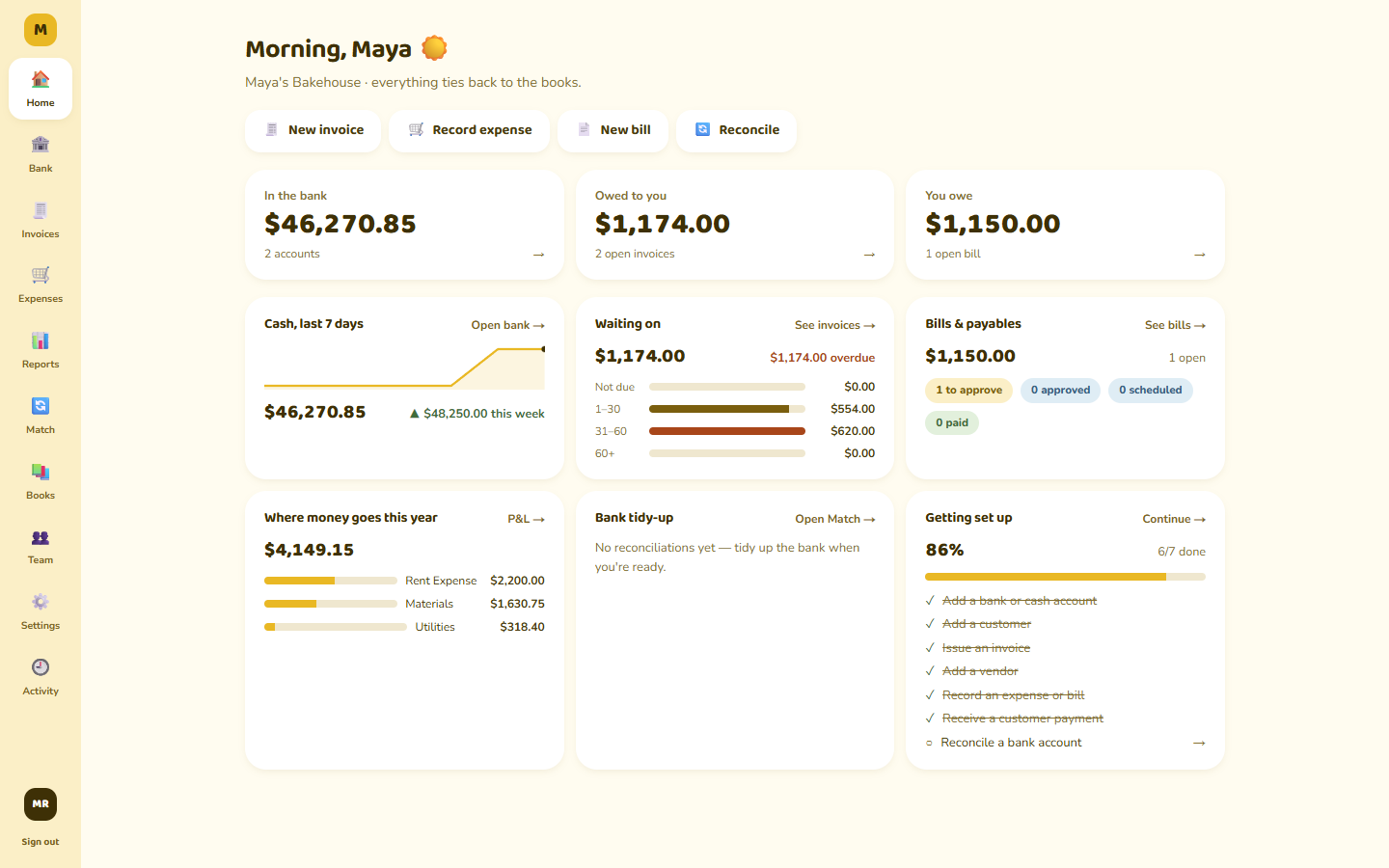 Live
LiveButter
A plain-first UI for owners with accountant depth underneath — invoices, expenses, bank match, journal / general ledger, and P&L. 34 balanced-ledger features, hardened against an adversarial security audit at every step.
Open live demo →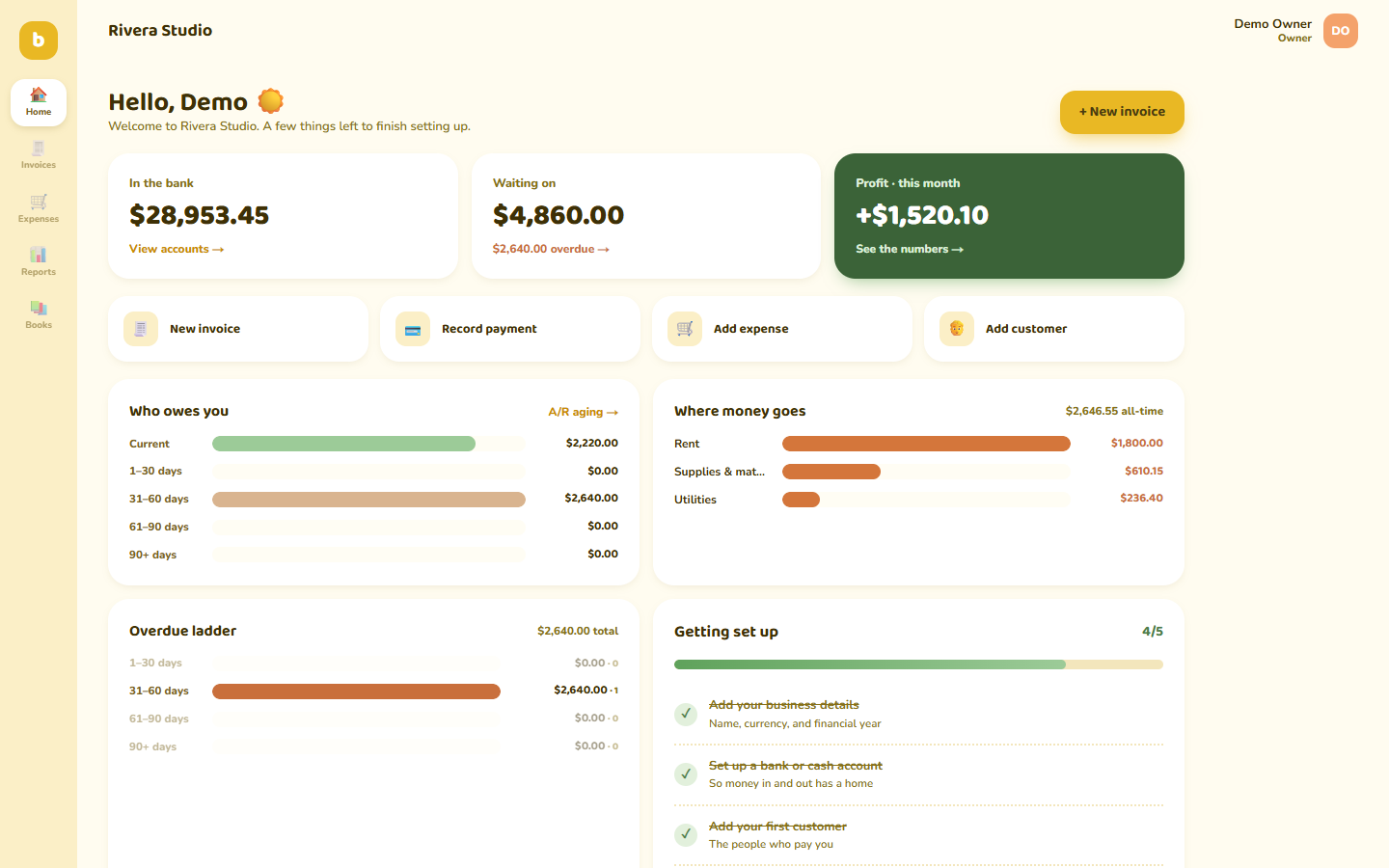 Live
LiveBeginner-friendly ledger
The core double-entry stack made approachable: chart of accounts, journal entries with reversal, trial balance, balance sheet, and P&L, behind a friendly setup-first flow and warm plain-language copy.
Open live demo →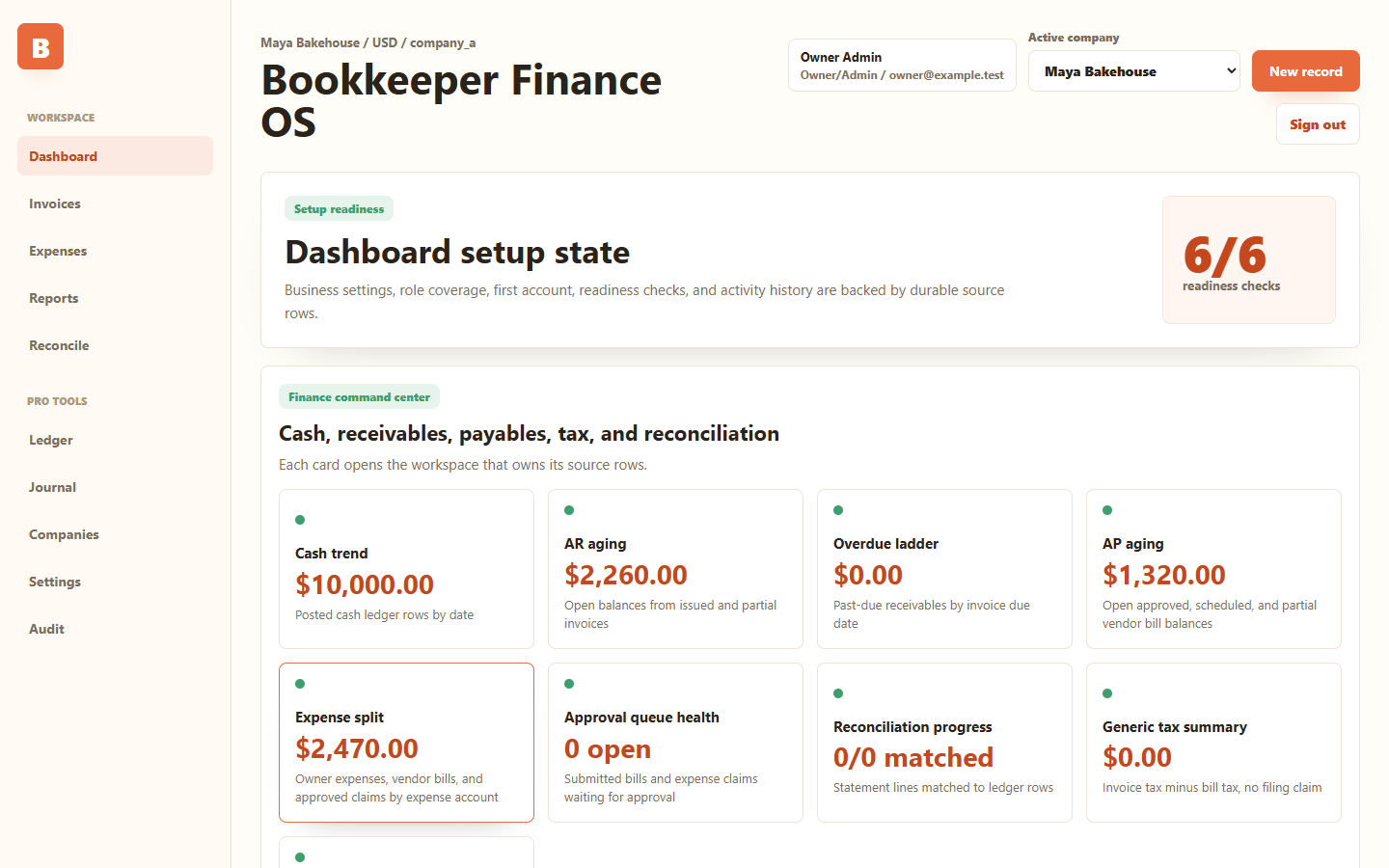 Live
LiveBookkeeper Finance OS
An ambitious multi-company, multi-currency finance OS: a setup-readiness command center, AR/AP with an approval workflow, bank reconciliation, tax summary, exports, and a full audit trail.
Open live demo →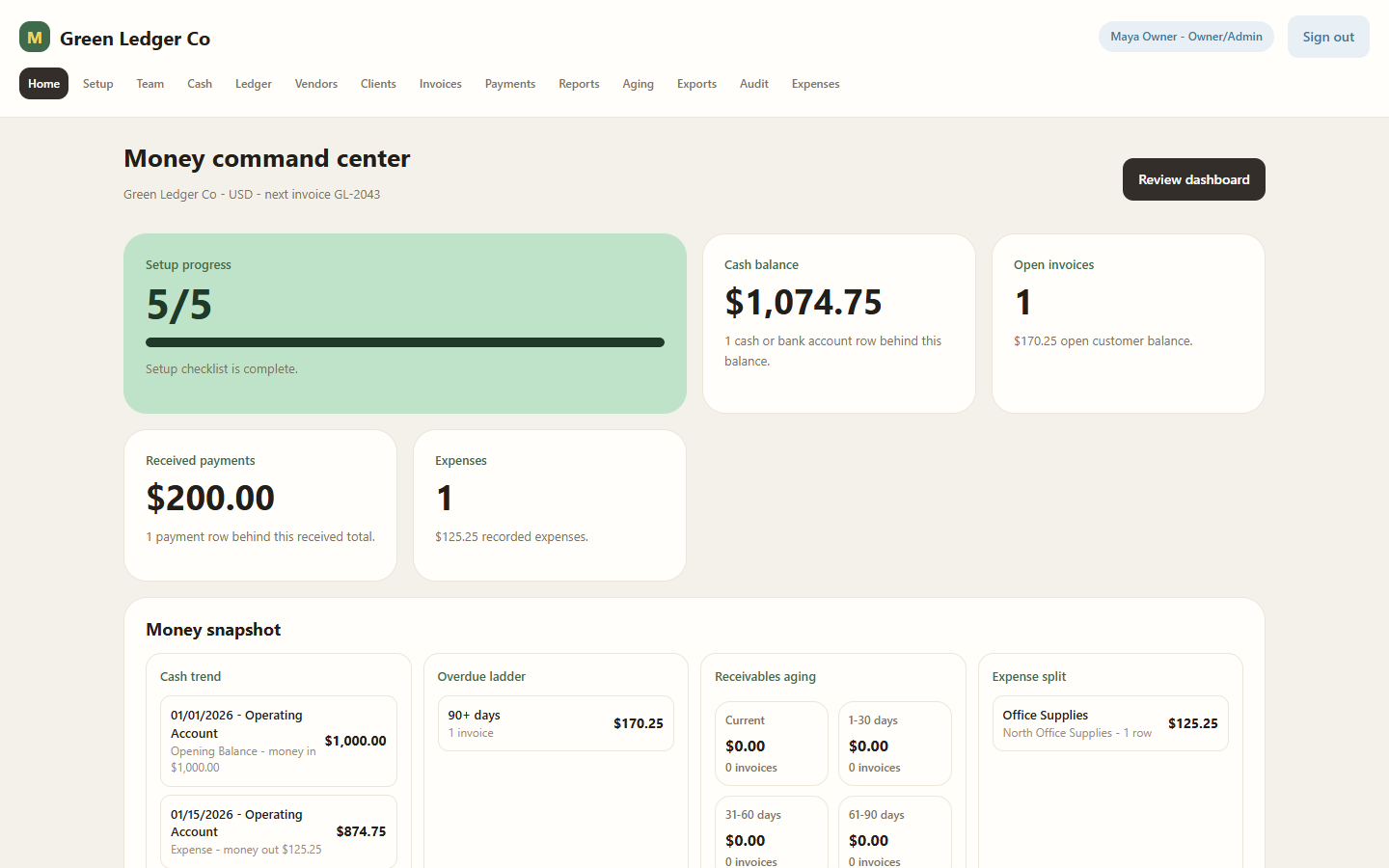 Live
LiveMintBooks
A lean, invoice-led bookkeeping app: cash accounts, a running ledger, invoices with partial-payment allocation, receipts, P&L, and receivables aging — the focused end of the planner's range.
Open live demo →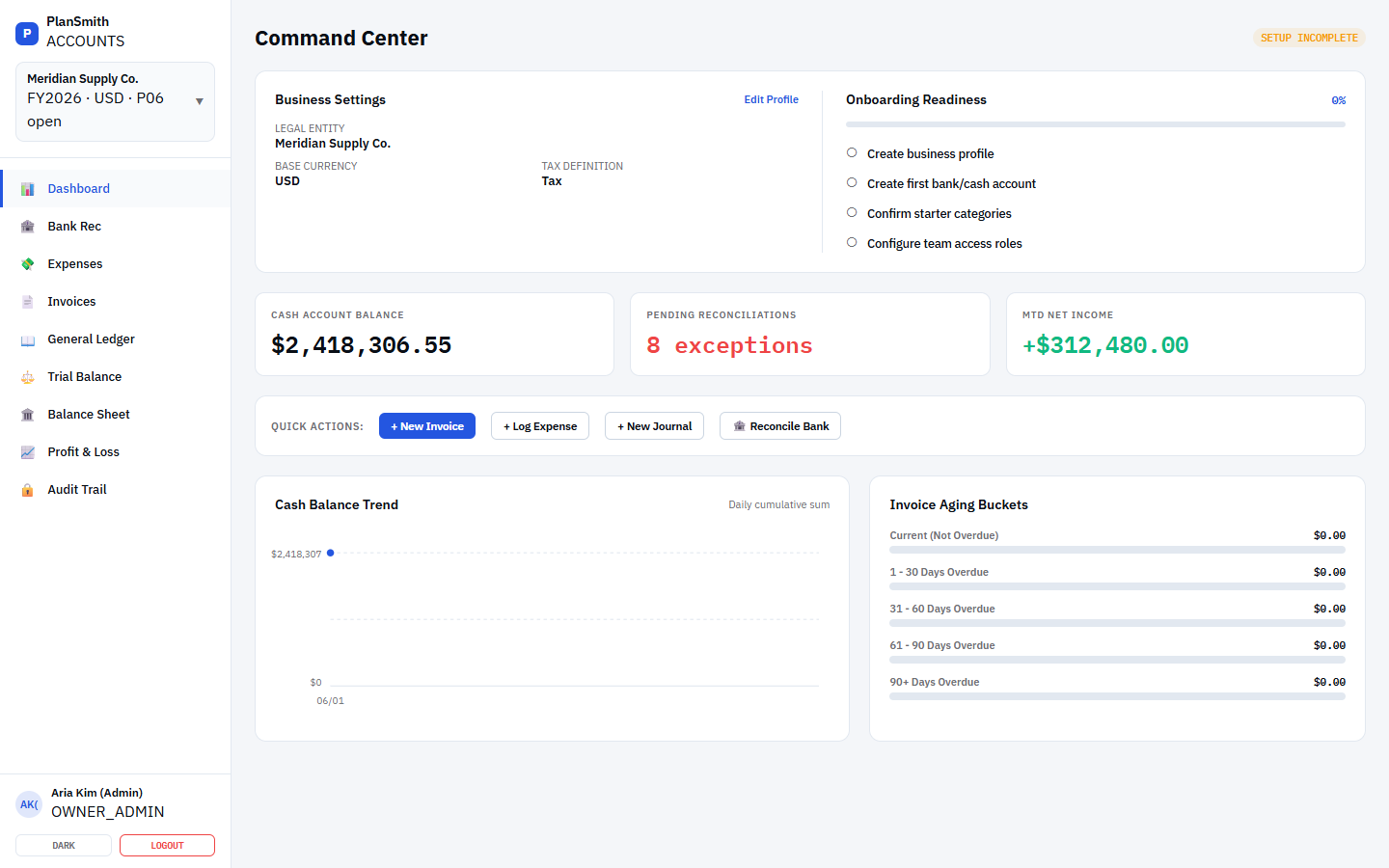
What to know before you build.
- Free accounting software: what the free options actually give you, and how to test one
- Accounting software features: the counted list from 37 real products
- The 19 questions an accounting planner asks before a line of code is written
- Nonprofit accounting software: fund accounting is the whole difference
- Construction accounting software: why generic books fail a builder, and what to do about it
- Accounting in Excel: how far a spreadsheet goes, and the wall it hits