Construction Management Planner
Research-backed planner built from a 60-product census of construction management software across 120 official source pages — a jobsite where rival trades share a project without sharing each other's contracts.
The problem this kills
A construction project is the hardest confidentiality problem in business software, and it does not look like one. Everyone is on the same jobsite. The general contractor, four subcontractors who bid against each other, the architect and the owner's capital team all work the same drawings, the same schedule, the same daily log. They are collaborators and competitors at the same time.
So the naive build — one company, one user table, everyone signed in — is not merely insecure. It is a product that cannot be used, because the first thing a general contractor checks is whether the plumbing sub can see the steel sub's contract value. Ask a coding agent for construction management software and you get project dashboards, a Gantt chart and a document library. All correct, all shared with everyone.
What the research changes
The planner carries a frequency-ranked capability inventory from 60 real products — Procore, Autodesk Construction Cloud, Oracle Aconex, CMiC, InEight and 55 others — read across 120 official source pages, stratified so the census is not just the four names everyone knows.
That inventory does two things. It stops the model inventing a feature list, and it exposes the gap the market's own marketing creates: reports and task coordination are documented by more than nine products in ten, while roles and scoped permissions appear on only 36 of 60 pages and change orders on 34. Public marketing sells the surfaces that photograph well. The planner raises the substrate ones on lifecycle dependency instead of frequency, because a commitment register every party can read is not a commitment register.
What it makes the agent decide
- Which party owns each record, and which parties are counterparties to it — before any table is written.
- Whether a denial returns not-found or forbidden, so a subcontractor cannot enumerate what exists by reading status codes.
- Whether an export path re-derives its rows from the same scoped query as the screen, or becomes a second unguarded copy of the data.
- What the owner may see. Owners are a party too, and "the client can read everything" is the failure that survives the first fix.
The frequency-ranked ledger.
Real apps this planner built.
 Live
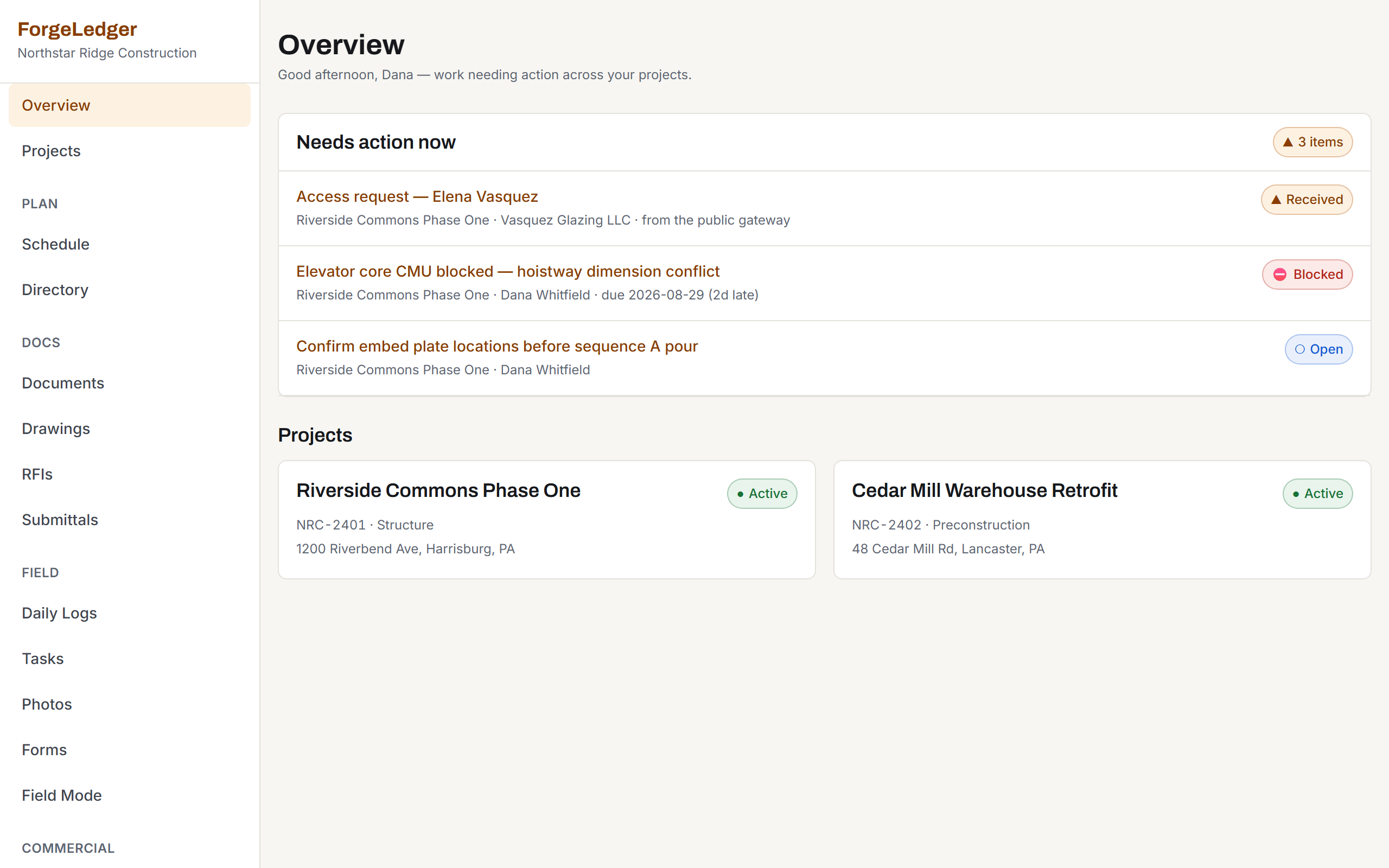
LiveConfidentiality as a data model
“ForgeLedger” — the highest-scoring build of the four, and the one that treats a jobsite as what it is: parties who collaborate and compete at the same time. It keeps a share register, so each document, drawing and report is granted to a named party and everything else is refused. All three subcontractors sit on the same project, so the isolation cannot fall out of project membership — tested in both directions it leaked nothing, and of 416 files the plumbing sub could read exactly the one behind her grant. Pick a role on /login to get straight in — project manager, site supervisor, subcontractor or client. Those buttons are off by default in the build and switched on deliberately here, and they run the same session path as a password sign-in rather than a shortcut around it. You land on its public project showcase; sign in from there. By hand works too: dana.whitfield@northstarridge.example / pm-demo-2026.
Open live demo →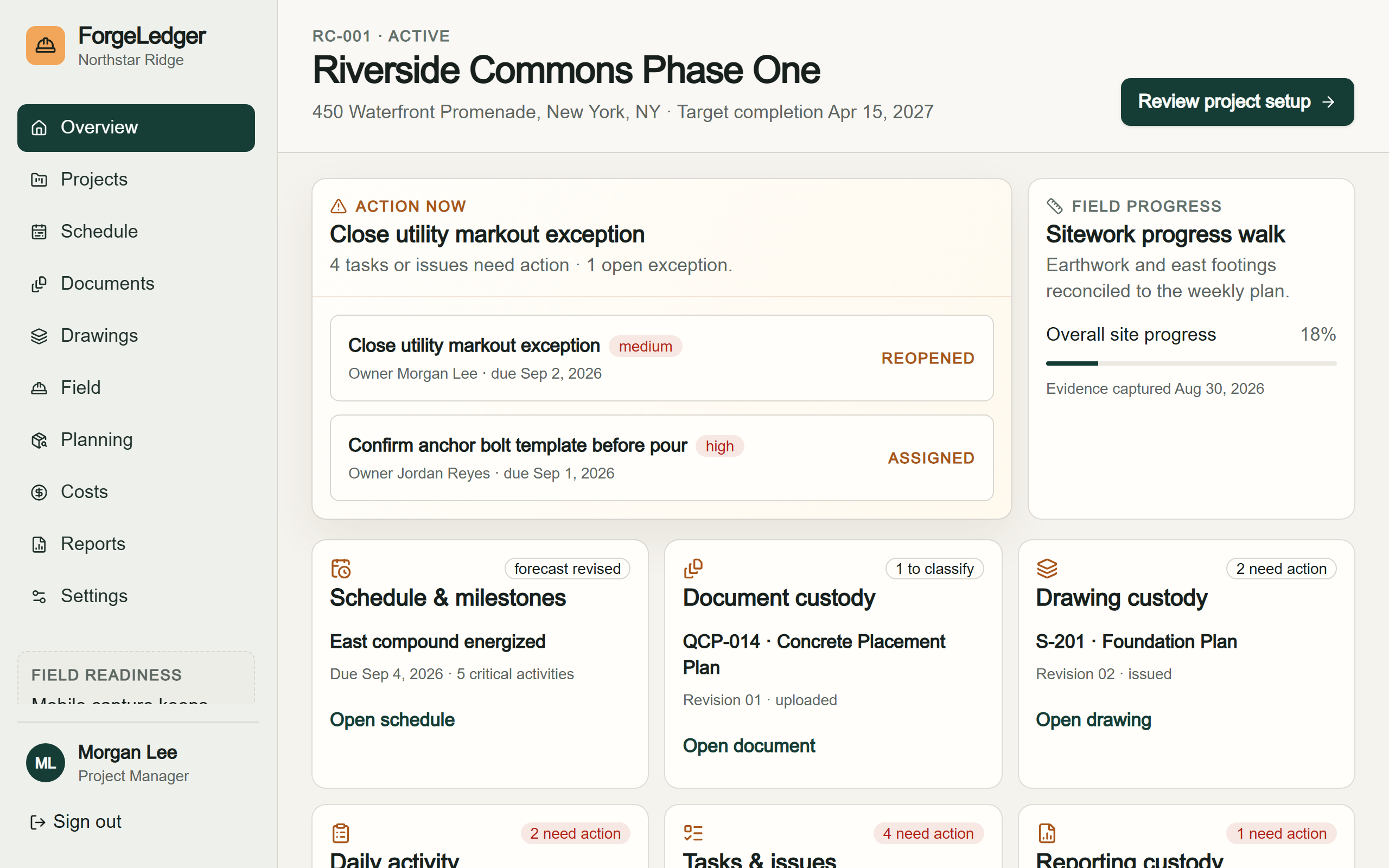 Live
LiveThe one that works with JavaScript off
“ForgeLedger” again, from the same planner — worth opening beside the others. Its sign-in is a real form rather than a script, so it completes with JavaScript entirely disabled and no credential ever reaches the address bar. Its permissions are a gradient rather than a switch: the project manager sees four tasks, the supervisor three, the subcontractor exactly the one that is theirs, and cost, estimating and procurement are closed to the subcontractor and the owner alike. The highest-sounding role is deliberately not a superset — the project manager is refused the owner’s records screen. Accounts are default-deny: with no password configured for a role, that account does not exist at all. Pick a role on /login. This build ships no demo shortcut of its own — its sign-in page says so — so the buttons here post a seeded credential to the same endpoint the password form uses rather than routing around it. You land on its public bid board — a planner feature in its own right — and sign in from there. By hand works too: pm@northstarridge.example / ForgeLedgerDemo2026.
Open live demo →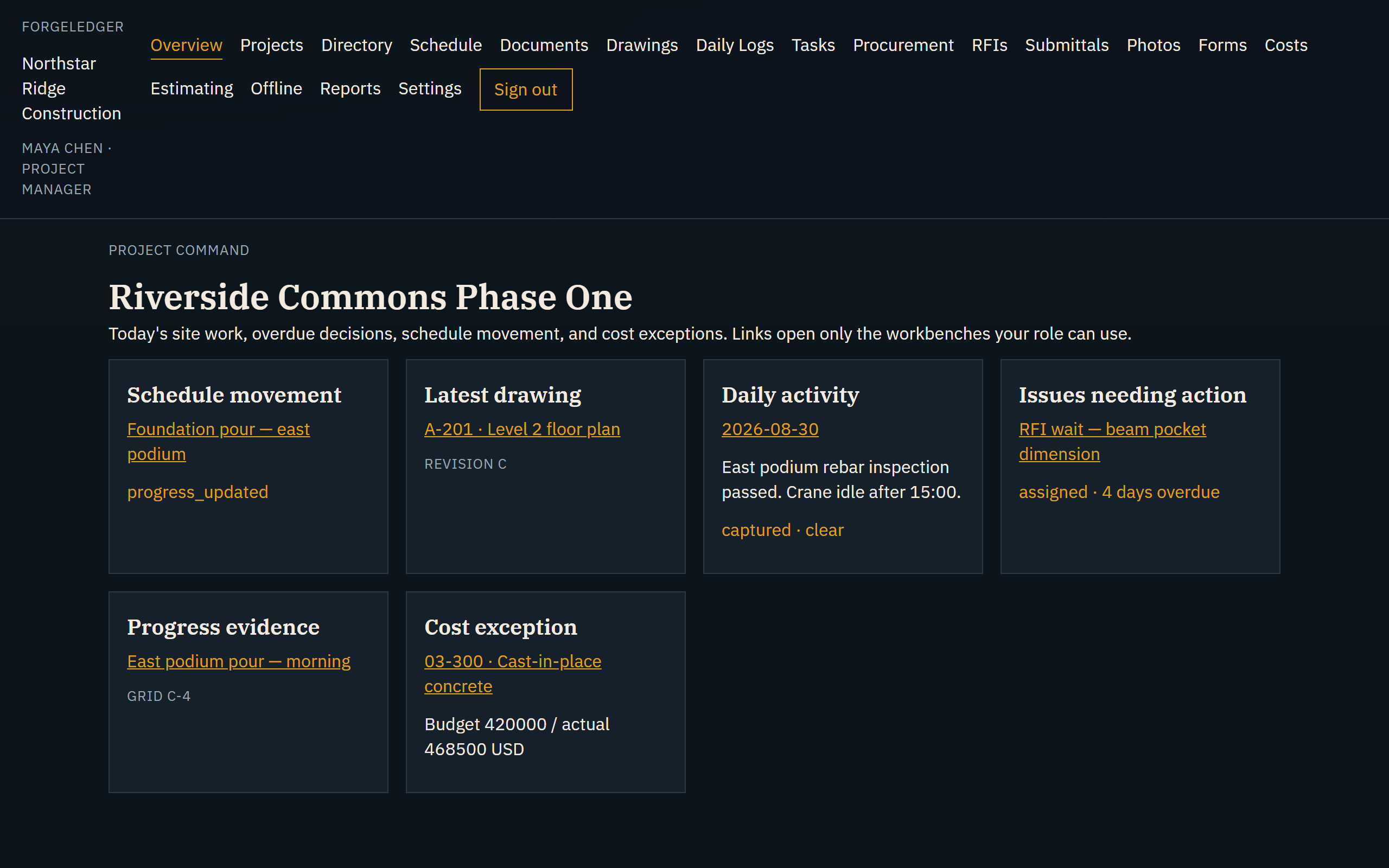 Live
LiveTwo companies, to prove they stay apart
“ForgeLedger” — the leanest build in the whole demo fleet: one production dependency, no framework, a single server file, and nothing for a future advisory to land on. It is also the only construction build that seeds a second construction company on purpose so customer separation can be demonstrated rather than asserted, and that separation held on every route we drove. Its first audit found demo buttons that handed any visitor a project-manager session with no way to switch them off, and a verification suite covering step one of sixteen with fifteen checks never written; both were repaired and re-verified, and it was rescored 84 → 93. You land on its public work board; sign in from there and pick a role. The demo buttons are switched on deliberately here and off by default everywhere else.
Open live demo →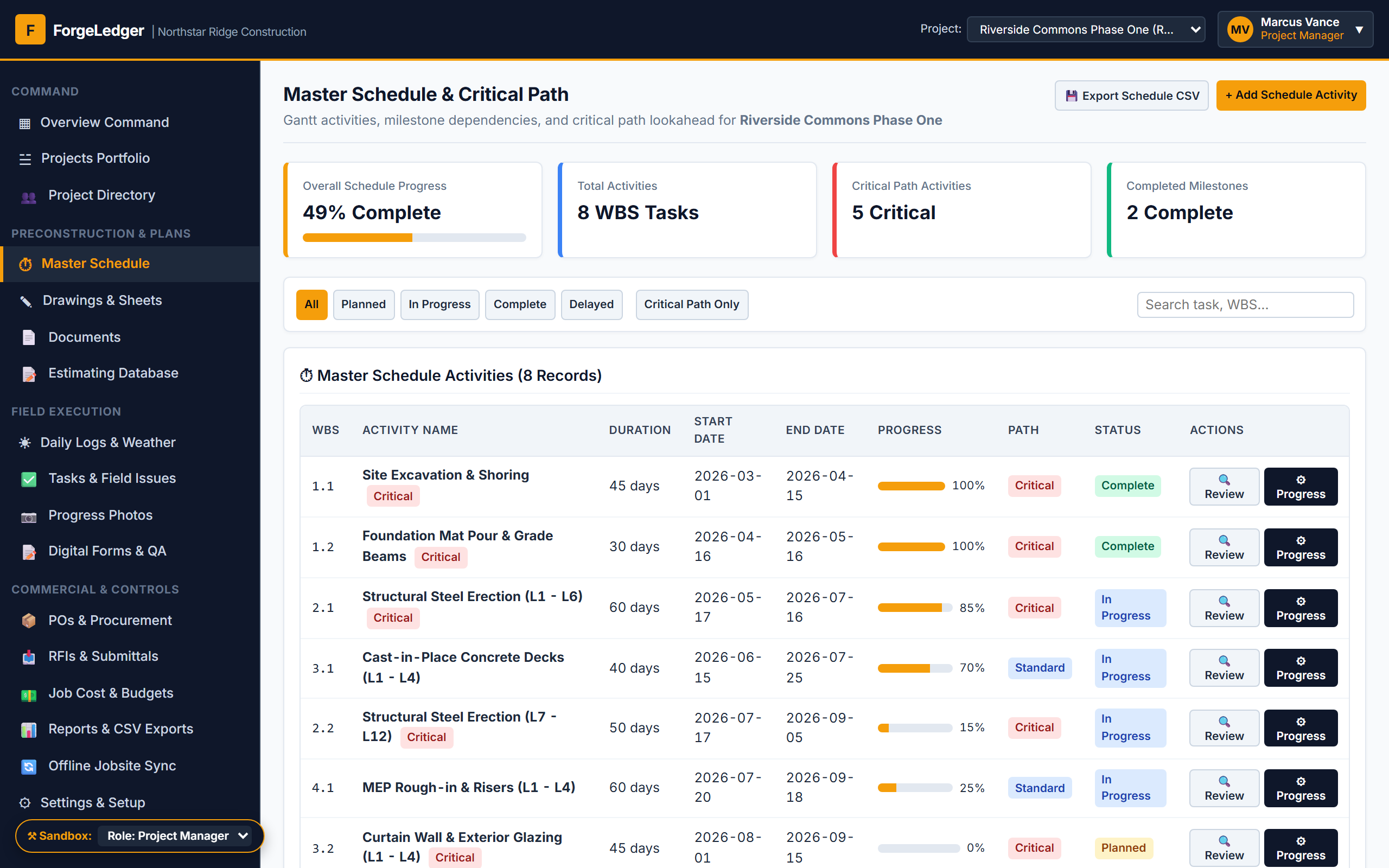 Live
LiveThe richest data model, after repair
“ForgeLedger” — the fourth build from the same planner, and the one that models the work most thoroughly: WBS codes with real float and critical-path flags, CSI cost codes connecting an estimate to a commitment to an actual, sheet numbers with disciplines and revisions. It arrived with the vertical’s defining defect: of forty-six role checks, forty-five protected a write and exactly one protected a read, so a trade subcontractor read every rival’s contract value — and the one table it did protect leaked anyway through a CSV export with no role check. Two repair rounds closed it: rival subcontractors now see only their own purchase orders with zero overlap, the export returns exactly the row set the screen does, and the public page no longer publishes internal reviewer notes. What is still open is the owner, who reads the contractor’s commitments, estimating build-up and budget in full. Pick a role from the sandbox switcher to get in.
Open live demo →