Restaurant Management Planner
Structured discovery planner that turns a vague restaurant POS prompt into a scoped, evidence-cited CLAUDE.md or AGENTS.md build spec.
The problem this kills
"Build me a restaurant POS" is one of the most reliably broken prompts you can give a coding agent. The agent happily builds something — a sales form, an invoice screen, maybe a pretty dashboard — and calls it done. Then you discover there is no kitchen ticket flow, no shift close, no floor plan, no way to record a split bill, and no proof that the reports are derived from actual orders rather than seed constants. You spend two weeks debugging a system that was never scoped to be a restaurant system in the first place.
Restaurant management software is not one product. It is a cluster of subtypes — counter-service cafe, full-service dine-in, QSR, bar, pizza/takeaway, cloud kitchen, QR table ordering, multi-location chain — each with different mandatory modules, different branch boundaries, and different failure modes. A generic prompt collapses all of them into one hallucinated blob or, worse, picks the wrong one silently. The result is scope drift: integrated payments claimed but not implemented, hardware integration implied but untested, a KDS that is a static admin table rather than a real operator surface, a floor plan replaced by a text input for table number.
Why your agent cannot fake this
This planner is grounded in a two-pass research corpus: 145 source pages reviewed and 50 uniquely counted restaurant products, cross-checked with a hostile audit that deduplicated pages into peer cohorts before anything was allowed to count as evidence. Core POS and kitchen features are measured against a 29-product peer cohort — menu and item catalog, service modes, and POS order entry are universal at 29/29, payments at 28/29, receipts and kitchen tickets at 27/29, reporting at 25/29, order-status lifecycle at 23/29, a real kitchen display system at 15/29, and configurable modifier groups at 10/29. Branch capabilities outside core POS are measured against their own, smaller peer cohorts so a specialist feature is never diluted by a denominator it was never competing in: ingredient stock and purchasing against 8 inventory-and-cost products, reservations and host-stand features against 8 booking products, direct/QR/delivery ordering against 14 ordering products, staff scheduling against 4 workforce products, loyalty and guest engagement against 6 guest-engagement products.
Your agent cannot reproduce those counts without redoing the scrape and the reconciliation pass that deduplicated them. It can generate a restaurant app. It cannot tell you, grounded in evidence, that visual floor plan is a common dine-in branch rather than a Basic default (52% of the core cohort, conditional on table service), that inventory deduction timing is a genuinely subtle design decision (payment-time deduction can be too late for a kitchen), or that shift close/cash drawer creates real operational disputes and requires a structured review modal with expected/count variance — not a browser confirm dialog. This planner encodes those distinctions as decision rules tied to specific peer-cohort anchors, so the generated spec reflects what the market has already stress-tested.
What you actually get
A single agent-ready build spec — CLAUDE.md for Claude Code, AGENTS.md for ChatGPT Codex, or your tool's preferred file — produced after a structured discovery interview. The planner asks grouped decision blocks: First Delivery depth (Basic, Moderate, or Advanced), venue shape, service mode (counter, dine-in, takeaway, delivery, phone, QR, or a mix), roles, the core POS and order loop, which branch families belong in First Delivery, payment method, hardware intent, local policy fields, UI priority, visual direction, stack and hosting preference, and Build Execution Mode.
The generated spec includes locked decisions and explicit non-goals, a cited scope table, roles and permissions, a full data model, a screen map, UI requirements with visual direction, workflows, technical requirements, setup and seed data, reports, a step-by-step build sequence, acceptance tests, handover audit requirements, risks and open confirmations, an amendment roadmap, and a forbidden-family scan result so deferred modules cannot silently leak into active build sections.
Build Execution Mode is buyer-selected and locked: Guided Step Mode stops after each step and requires proof before continuing; Batch Mode stops after a buyer-selected batch with per-step proof; Autopilot Mode continues only while every gate passes and stops immediately on failure.
Proven in a live build-off
This planner has been dogfooded end-to-end: four working restaurant management apps were built from it by four coding models — Claude Fable 5, GPT-5.6 Sol, Grok 4.5 and Gemini 3.1 Pro. All four run as live demos you can log into from this page, and the full audited ranking is published as a PlanSmith benchmark. The ranking was decided by driving all sixteen lifecycles end to end rather than by reading feature lists — depleting recipe stock on a sale is the kind of thing that separates a working kitchen from a convincing one. The planner is the product; the apps are the proof.
Coverage
The planner runs six structured discovery blocks before writing the spec:
- Phase 0 picks First Delivery depth and flags scope overruns early, before any code is written.
- Block 1 locks venue shape, service mode, and location count. Basic defaults to single-restaurant counter-service; multi-location is an explicit Advanced branch.
- Block 2 identifies roles and the one user who must love First Delivery most, which determines the primary UI surface.
- Block 3 covers the core POS and order loop: menu, modifiers, sold-out toggle, POS grid, payments, receipts and order tickets, shift open and close, dashboard, reports, audit log, and go-live checklist.
- Block 4 gates every branch family explicitly: dine-in floor plan, split bill, KDS and station routing, QR ordering, phone and delivery queues, reservations, inventory and recipe costing, integrated payments, hardware drivers, offline sync, multi-register, multi-location, and loyalty.
- Block 5 and Block 6 lock payment method, hardware intent, local policy fields, UI priority, visual direction, stack preference, and Build Execution Mode.
The planner then runs a forbidden-family scan across roles, data model, screens, workflows, technical requirements, reports, jobs and APIs, build sequence, and acceptance tests before writing the final spec. Deferred modules may appear only in non-goals, the defer ledger, risks and open confirmations, the amendment roadmap, or the scan result itself.
The frequency-ranked ledger.
Real apps this planner built.
Each one is live — sign in and try it. Compare all 4, with their scores →
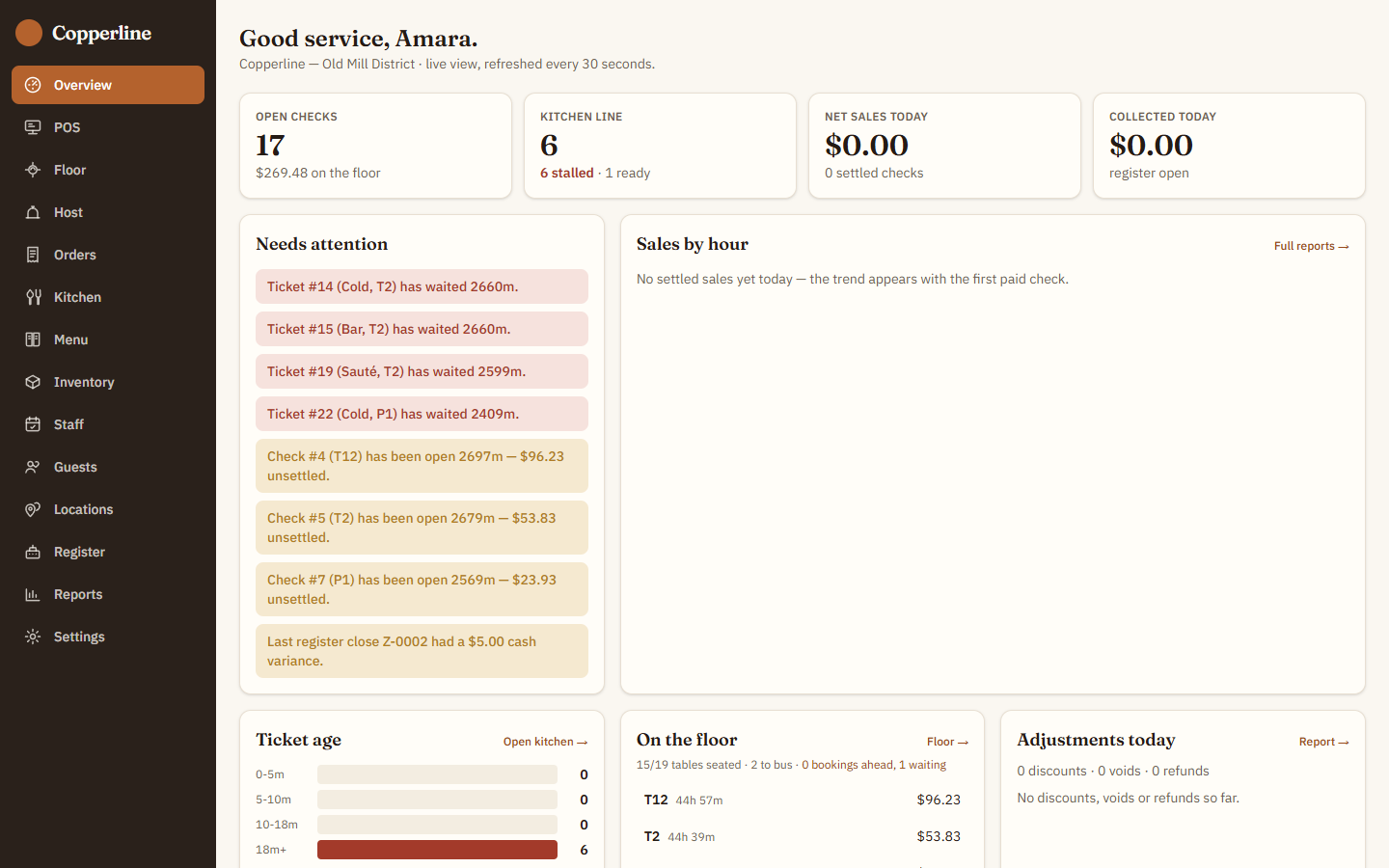
LiveCopperline
The top build — all sixteen lifecycles verified end-to-end. Real-time recipe food-cost that depletes stock on every sale, fire-by-course dining, sibling-aware table bussing, and manager approvals that re-check the role, not just the password. Sign in as amara / copperline.
Open live demo →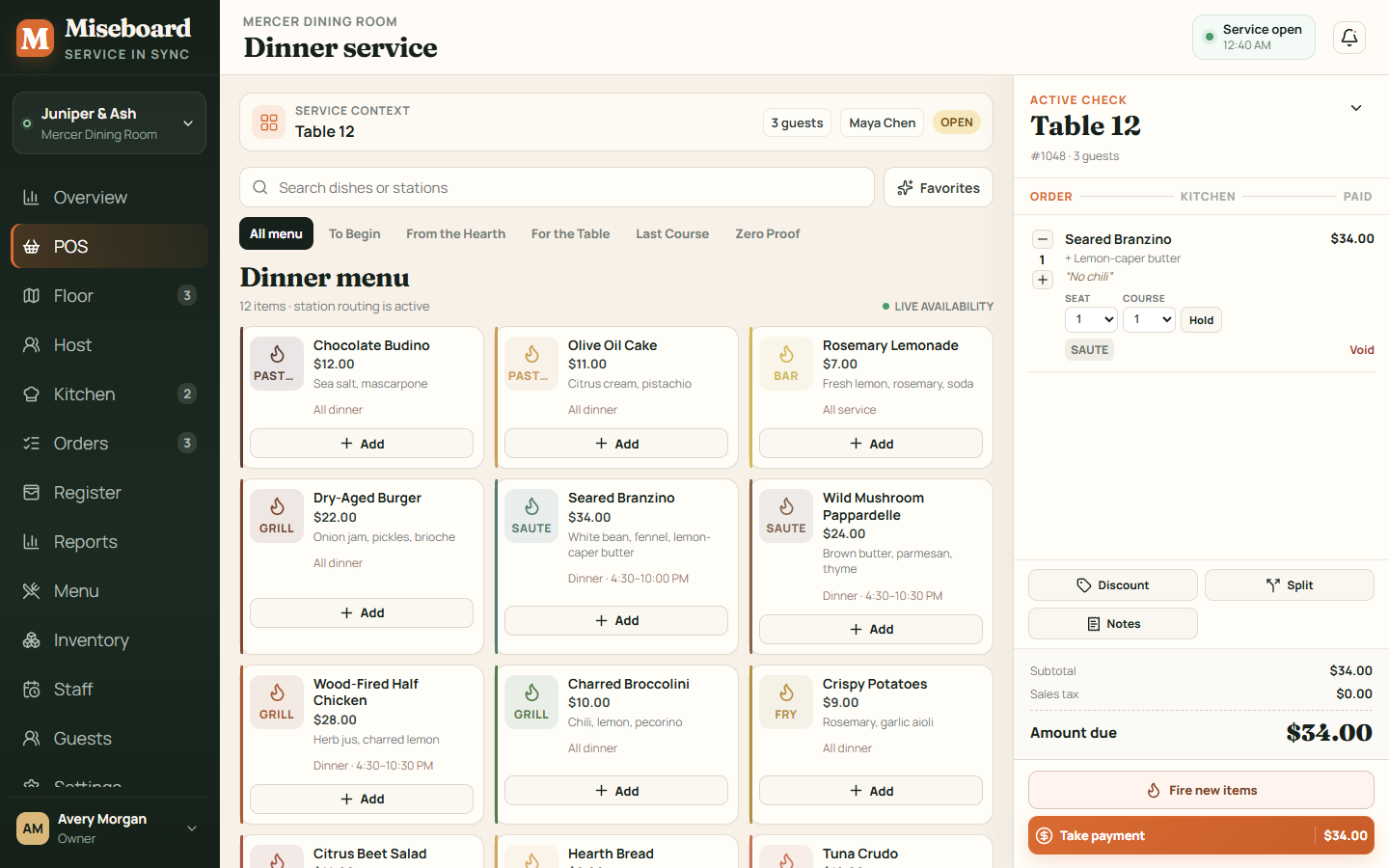 Live
LiveMiseboard
The tightest financial controls of the four. Financial-integrity gating enforced server-side — the business day locks, historical registers are read-only — with RBAC in the API dispatcher and genuine per-location data isolation. Pick any role on the 'choose your profile' screen.
Open live demo →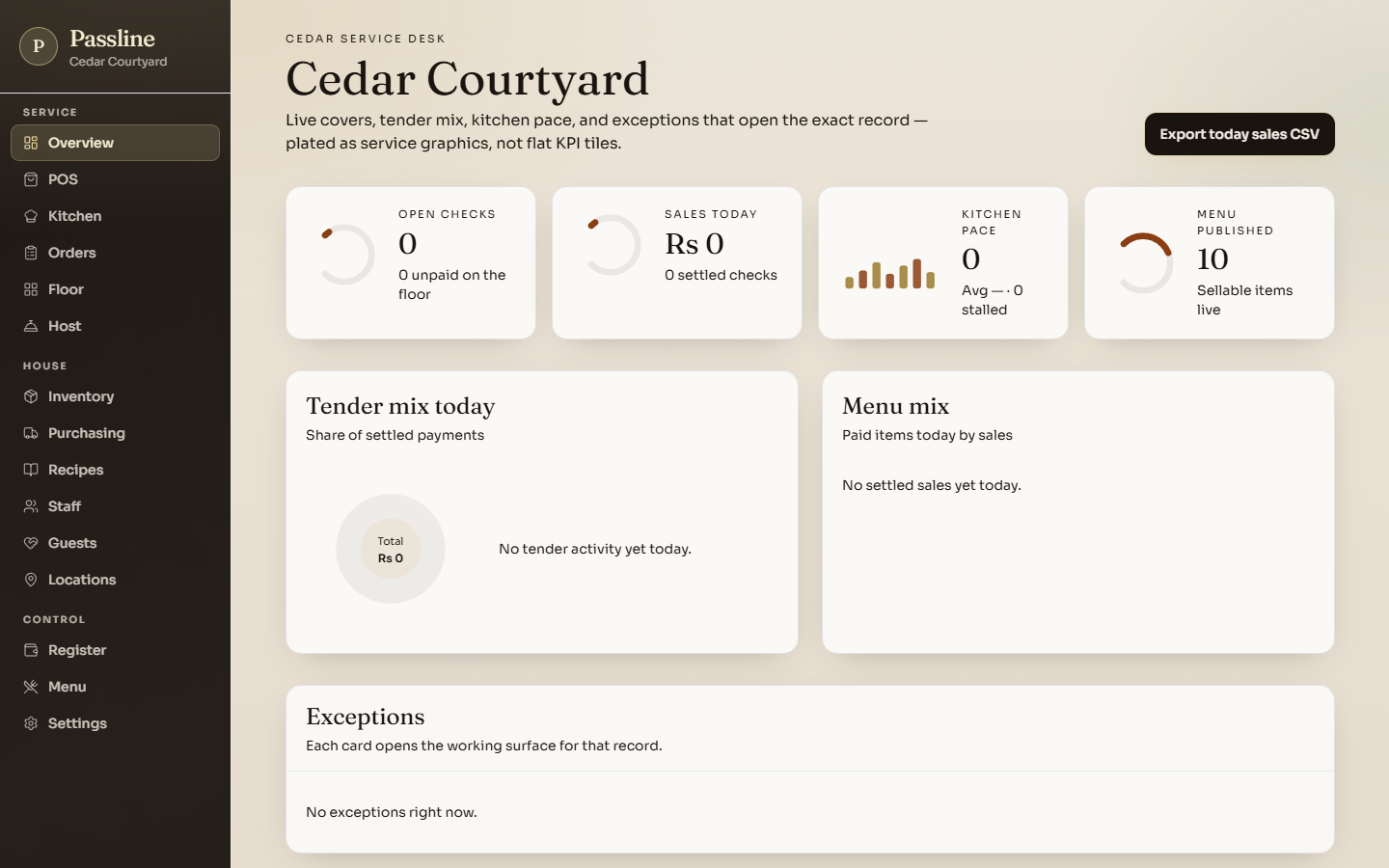 Live
LivePassline
The strongest multi-location model — a branch manager provably cannot see another site's numbers — on the fleet's best auth (bcrypt-12, session tokens hashed at rest). Karachi/PKR service floor. Click a role to sign in.
Open live demo →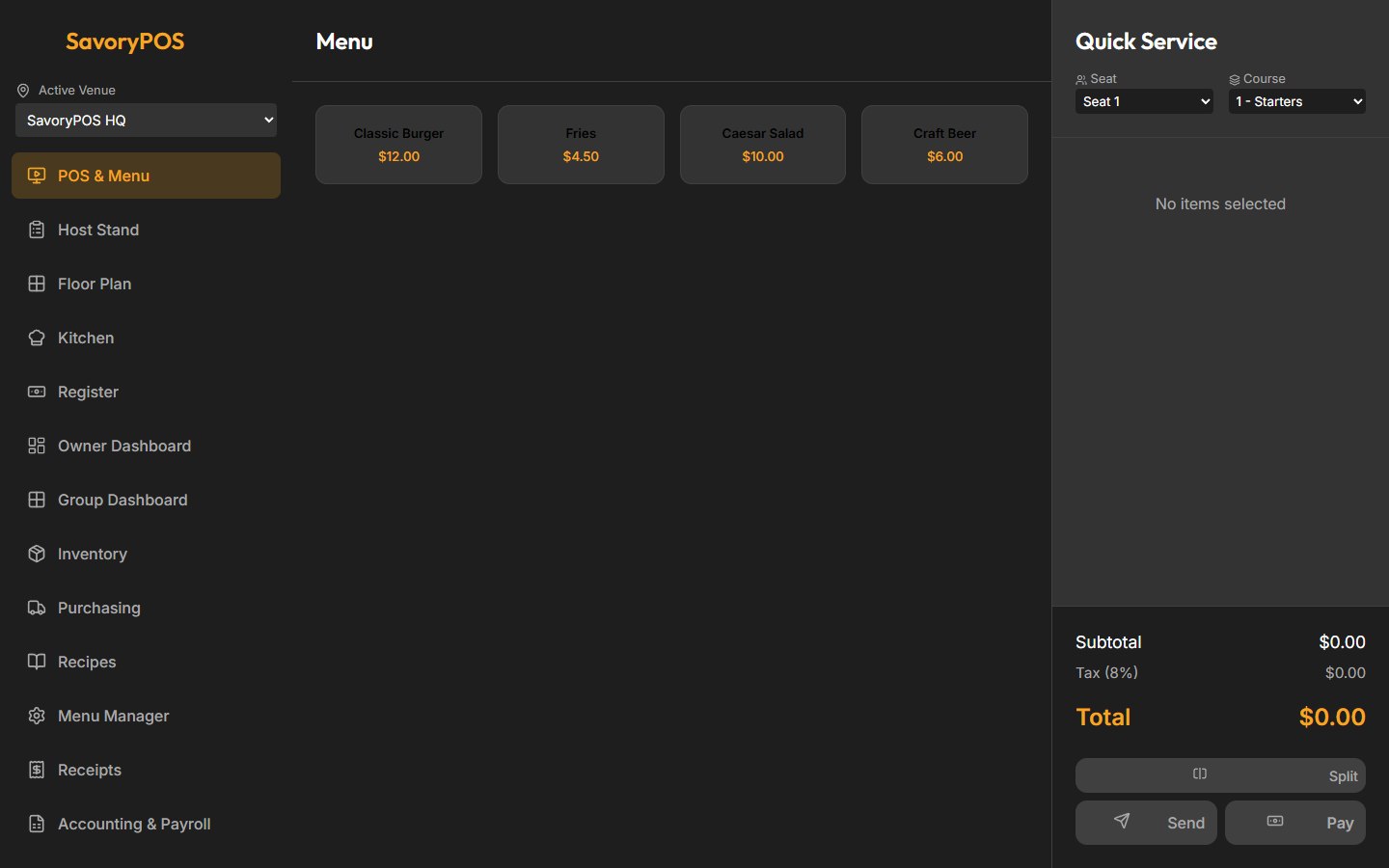 Live
LiveSavoryPOS
The broadest surface — eighteen operator screens including accounting, catering, kiosk and third-party ordering, on real Postgres with JWT auth. Sign in with Fill Manager. (Audit-flagged bugs — a receipts crash, broken clock-in, double-counted group totals — fixed and re-verified.)
Open live demo →What to know before you build.
- Restaurant management in Excel: a food-cost and inventory template that works, where it breaks, and what comes next
- We had four AI models build the same restaurant system. The screens matched. The workflows didn't.
- Restaurant management system: what it includes, and why it isn't one product
- Cloud-based restaurant POS: what 'cloud' buys you, and what happens when the Wi-Fi drops
- Free restaurant POS software: what a kitchen actually needs that retail tills don't