School Management Planner
Turn a weak school-system prompt into an agent-ready blueprint grounded in 46 real school ERP and SIS products.
The problem this kills
"Build me a school management system" is one of the most reliably broken prompts in vibe coding. Your agent confidently generates modules -- attendance, grades, fees, parent portal -- and ships something that looks complete. Then you try to actually run it for a school: a teacher cannot mark attendance without finding three separate menus, parent contacts are stored as a plain text field, the fee ledger has no concept of installments or concessions, annual student promotion is missing entirely, and the data you imported last month has no validation errors logged -- it just silently corrupted your records.
Real school systems fail at exactly these points. Practitioners on r/k12sysadmin describe SIS migrations where guardian data landed in the wrong contact model and broke reports. Implementation guides from OpenEduCat, Gradelink, and SchoolCues all treat data migration as a dedicated project phase -- not a side task. Capterra reviews of PowerSchool and Infinite Campus are filled with complaints about multi-click daily tasks, reports that do not match what the school actually needs, and integration gaps that cost thousands in add-on fees.
This planner encodes what real school systems actually do -- and what makes them fail -- before your agent writes a single line.
Why your agent cannot fake this
This planner is grounded in a normalized feature inventory built from 46 real source surfaces: 18 live commercial products (Fedena, PowerSchool, Classter, Gradelink, SchoolCues, Skolaro, and 12 others), 13 open-source and developer-visible systems (openSIS, Frappe Education, Academico, and more), 10 CodeCanyon and template marketplace products, and 5 market and community sources including practitioner Reddit threads.
Every recommendation cites an INV-* anchor with source-class coverage. When the planner says the admin portal is CORE and appears in 38 of 46 surveyed sources across all four source classes, or that fee structure management was observed in 35 of 46, your agent is working from a frequency table it cannot fabricate. Every include, defer, or skip decision traces to that table. A generic Claude prompt cannot replicate this without redoing the scrape.
The planner also encodes 13 normalized pain points from practitioner research -- data migration, dirty guardian records, navigation click-depth, reporting gaps, mobile parent expectations, security and vendor access -- and requires those pains to inform every blueprint. A spec that ignores them is rejected.
What you actually get
A phased discovery planner that works at three depths -- Basic for a fast first build, Moderate for a real single-school client, Advanced for SaaS, school chains, or ERP replacements -- across six institution subtypes: K-12 private, government/public, coaching center, college, online academy, and boarding school. Each subtype gets its own vocabulary overrides so the agent never puts K-12 language into a coaching-center spec.
The planner forces explicit include, defer, or skip decisions across 80-plus feature anchors before any code runs. Every anchor cites its INV-* evidence row. The generated output is a complete, agent-executable blueprint: decision ledger, role and permission matrix, data model with institution-scoped entities, portal and screen map per role, workflow acceptance checks, go-live checklist, and an amendment roadmap for deferred modules.
A forbidden-family scan runs before the spec is written: if a module was deferred, every synonym and child entity is removed from roles, data model, screens, workflows, phases, and acceptance tests. Nothing leaks.
Three complete school systems built from this planner — admissions through fees, each from a different build method — run as live demos you can log into from this page.
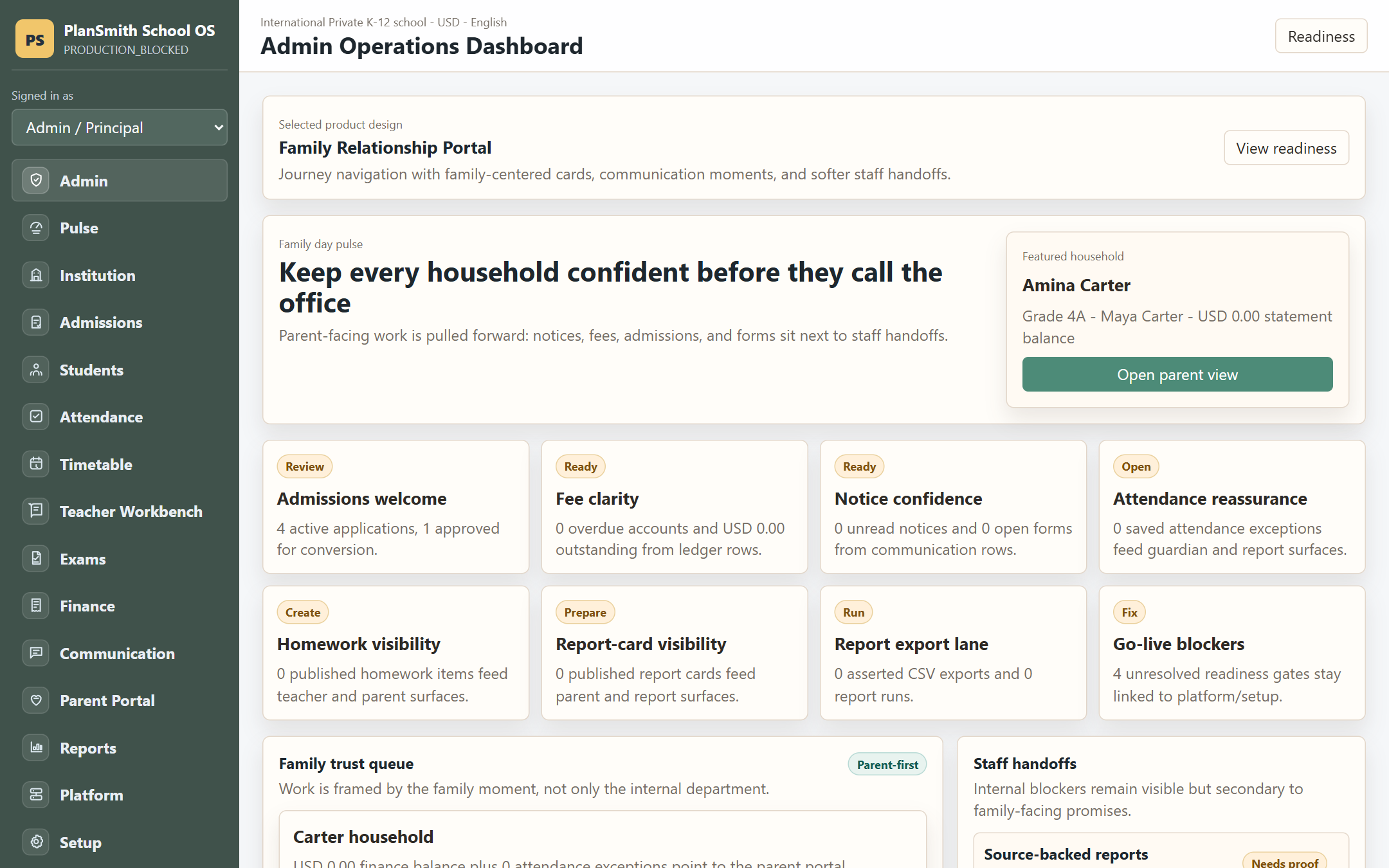 The Lifecycle build — a complete school system from admissions through fees, built from this planner. Log into it live from the demos below.
Coverage
Phase 0 locks First Delivery depth and school type before any questions are asked.
Phase 1 is a structured discovery bank covering product model, institution type, campus count, portal selection, fee model, academic model, assessment model, optional ERP modules (transport, hostel, library, HR), communication channels, hosting and stack, jurisdiction and sensitive-record rules, and non-teaching staff roles.
Phase 2 runs a 80-plus cited module checklist across 13 feature families: foundation setup, user portals and RBAC, admissions, student information, attendance, timetable and calendar, curriculum and homework, exams and results, fees and finance, communication, optional ERP operations, safety and front office, and reports and integrations. Every row cites its INV-* anchor.
Phase 3 and 4 add open prompts and a dedicated pain check -- current failures, data quality, non-negotiable reports, existing integrations, training capacity, mobile parent workflow, and security requirements -- that override generic feature defaults.
Phase 5 translates selected modules into role dashboards, a full screen map, mobile parent portal spec, workflow acceptance checks, and a go-live and onboarding sequence including setup wizard, import center, sample data mode, role onboarding checklists, and a structured go-live checklist with Fix/Review links to every blocking item.
Phase 6 synthesizes the final agent-executable blueprint with a consistency audit, forbidden-family scan, and handover audit gate before the project can be called done.
The frequency-ranked ledger.
Real apps this planner built.
Each one is live — sign in and try it. See all 3 side by side →
LiveLifecycle Build
A complete school system with role workspaces for Admin, Teacher, Registrar, Cashier, and Parent — admissions through fees. The most evolved lane: a multi-style UI bake-off and feature-lifecycle build.
Open live demo →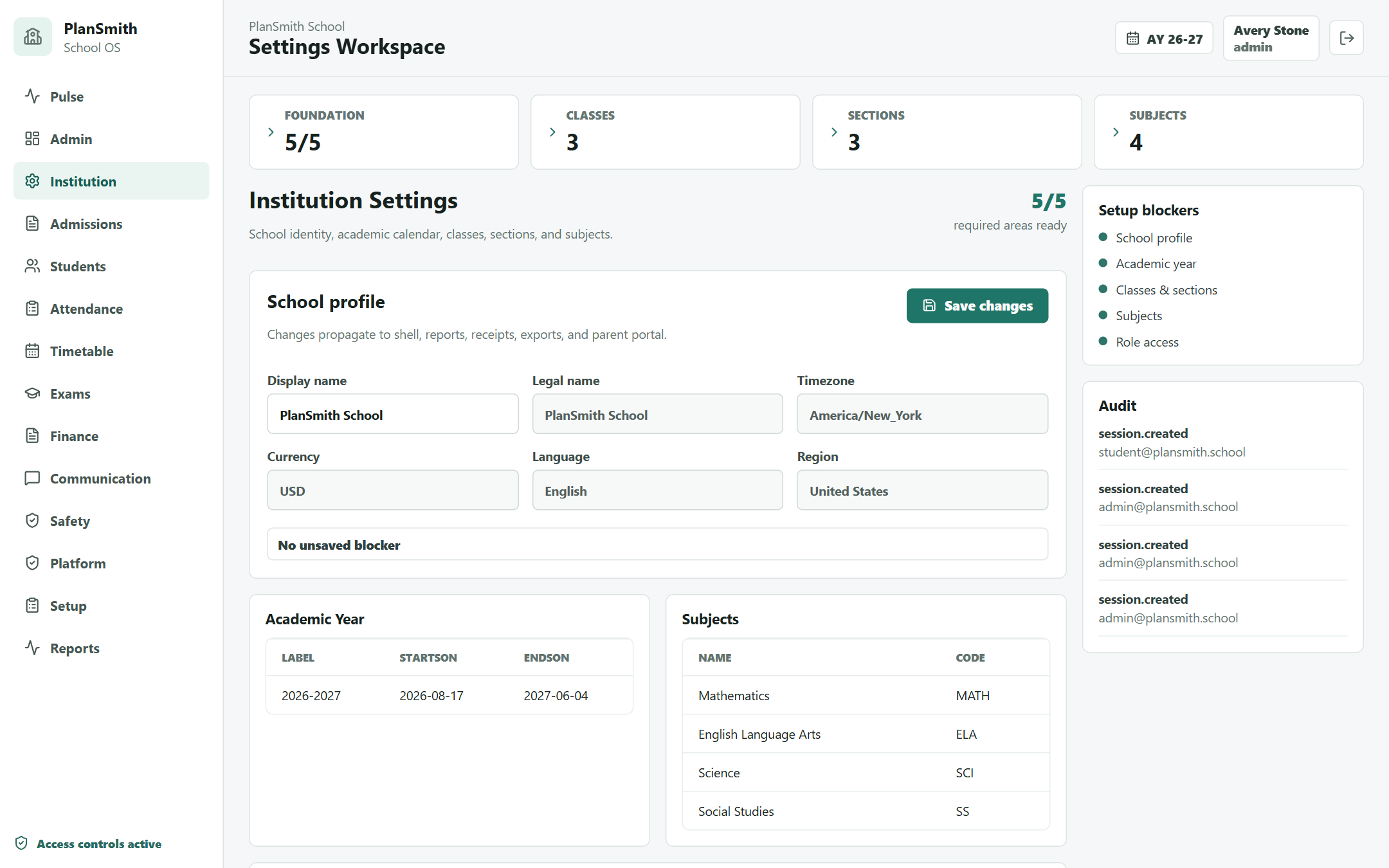 Live
LiveContracts Build
The same full system, with deeper contract-driven detail on the high-stakes workflows — admissions, exams, and finance. Built from the planner's page + feature contracts.
Open live demo →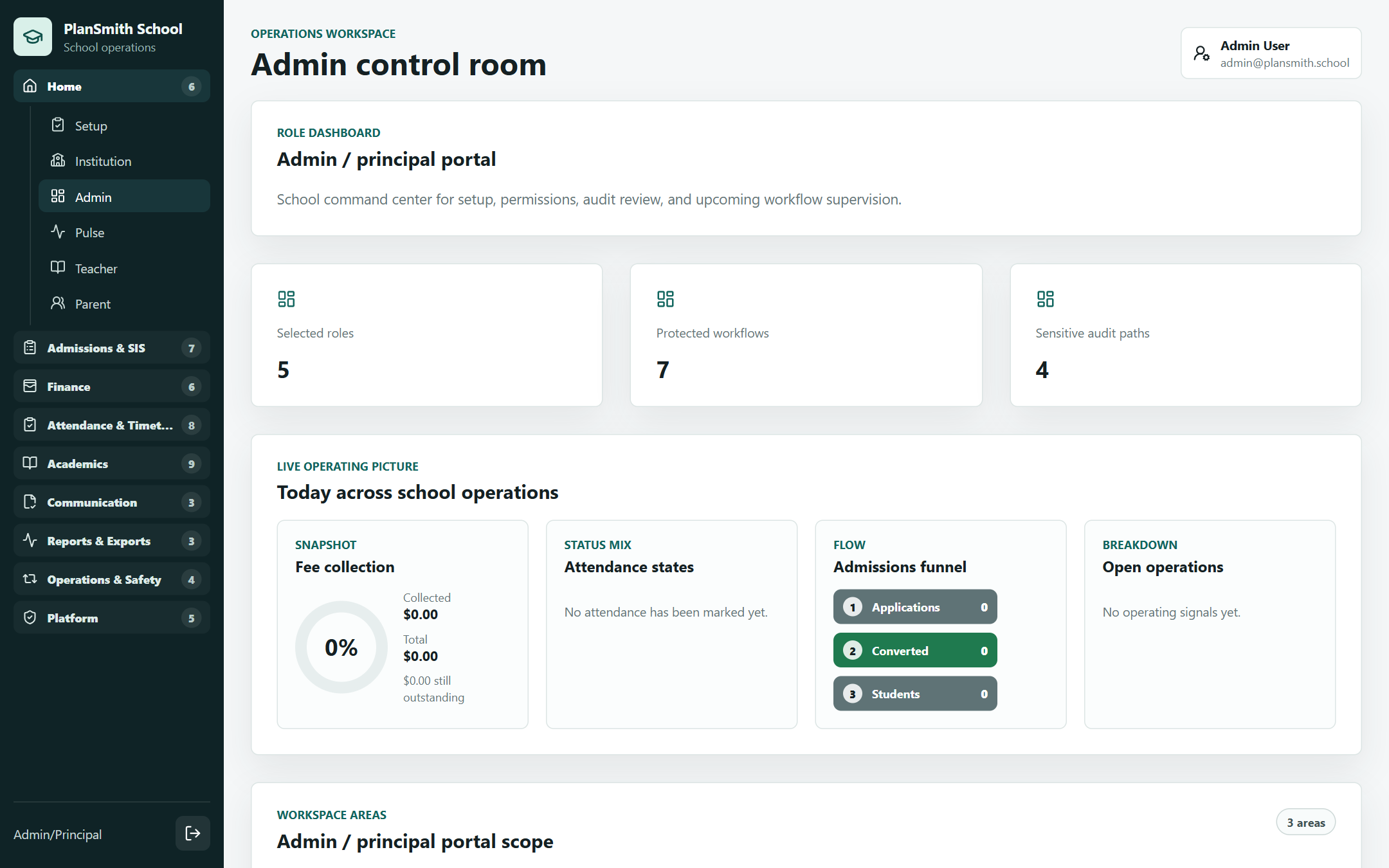 Live
LiveFoundation Build
The baseline build — all fifteen school modules, admissions through finance, wired straight from the planner's feature map. The fastest path from planner to a running app.
Open live demo →What to know before you build.
- Free school management software: what the free options actually give you, and how to test one
- School management system in Excel: a student, attendance and fees template that works, where it breaks, and what replaces it
- Web-based student information system: hosting, access, and who can see a child's record
- Student information system: what an SIS is, what it isn't, and what it has to include
- What a real school management system includes — the complete module checklist
- How to build a school management system: the practitioner's guide (2026)
- What breaks when you build a school management system — the failures that show up every time
- Build vs buy a school management system — an honest decision guide